
U2 AI SmartHome
Your site's gate, cameras and boiler room, in one app.
A gate that recognises plates, a live camera and tailgating alerts; the live state of the boiler room, booster pumps and lifts. Residents, management and security staff each see only what their role allows.
A product of U2 AI Studio Teknoloji A.Ş. The app, its database and backups run on servers in Istanbul.
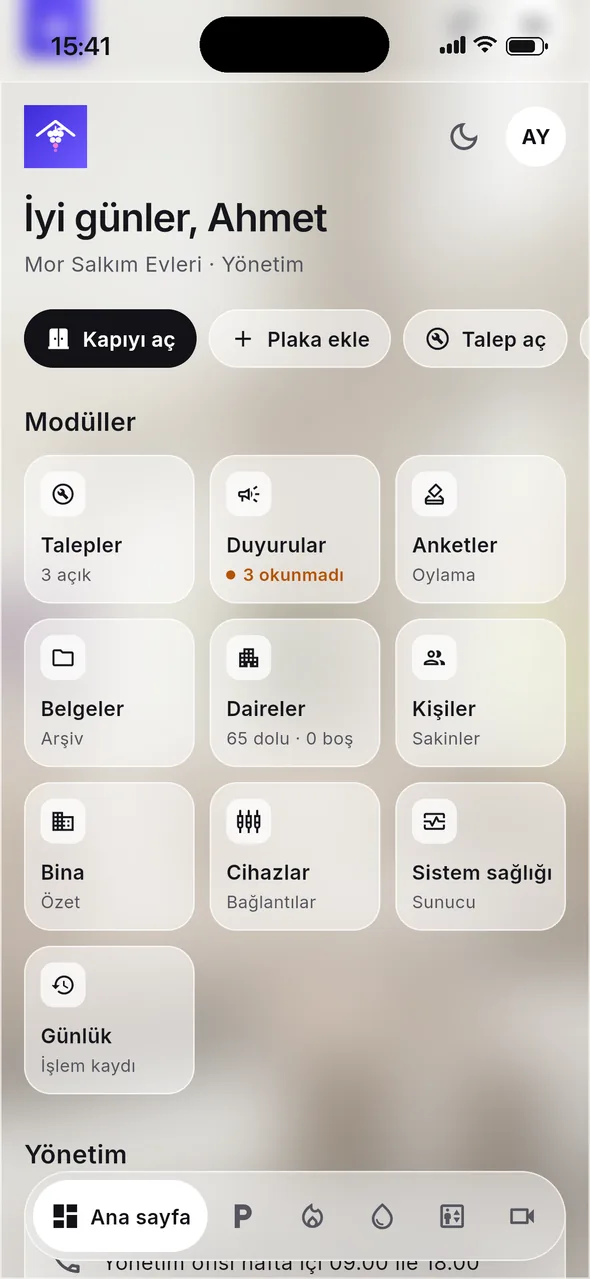
Gate and car park
The gate opens when it recognises the plate
The plate camera reads every vehicle. A registered vehicle gets through and the entry is logged. For a guest or a courier, the gate is opened once from the app, and who opened it and why is written to the log.
- Registered plates are added, blocked or removed in the app and synced to the camera.
- A resident photographs the vehicle permit; plate and owner are read and the vehicle is registered with explicit consent.
- Management and security watch the live plate camera.
Ahmet Yalçın opened it · Courier ·

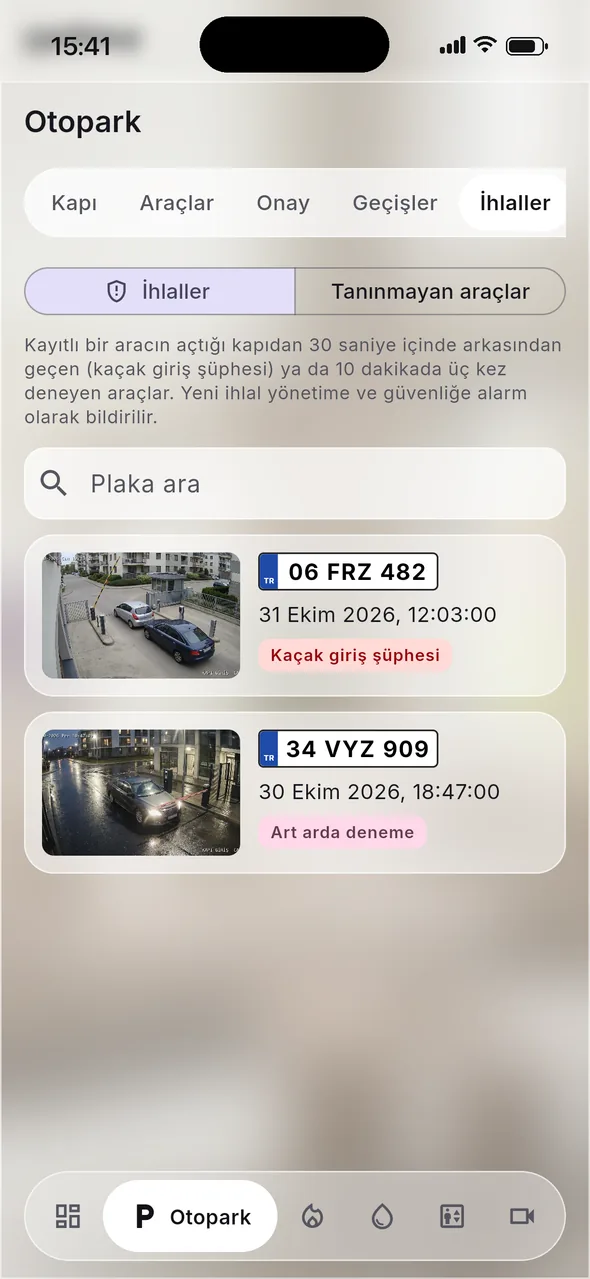
Cameras and violations
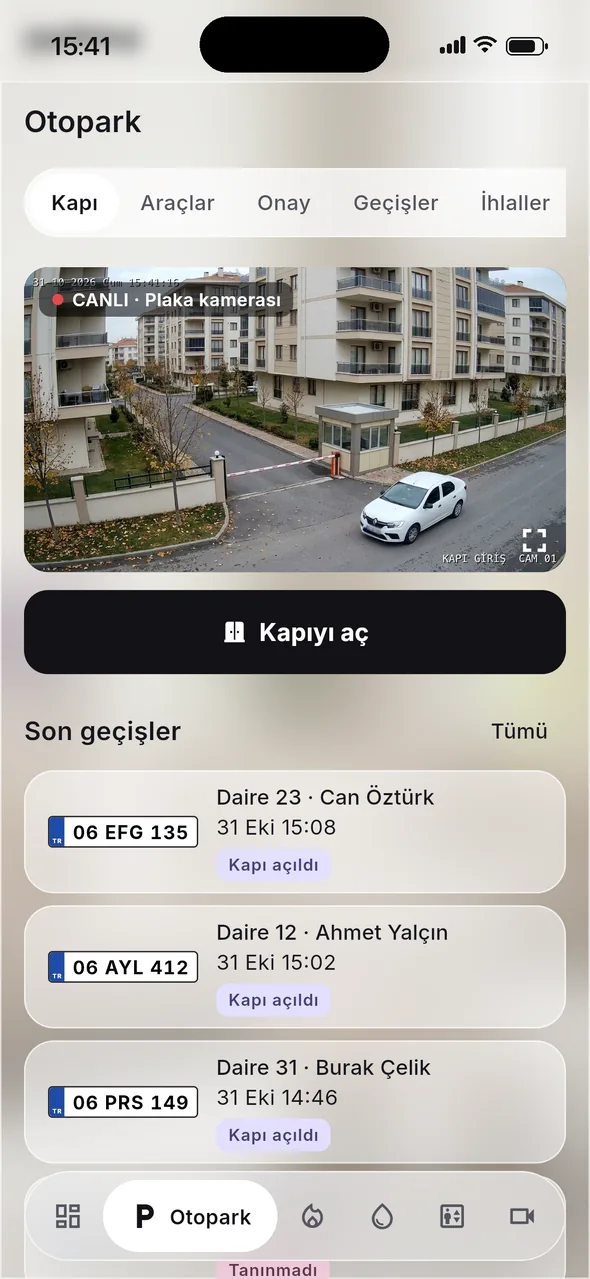
A car sneaking in behind another is not missed
A vehicle that follows a registered car through the gate within 30 seconds, or tries three times in 10 minutes, counts as a violation. It is logged with a plate photo and a scene photo, and management and security get an alert.
- Suspected tailgating06 FRZ 482 · followed a registered car
- Repeated attempts34 VYZ 909 · three tries in 10 minutes
- Unrecognised vehicle35 KDN 117 · photo saved
- Live view is for management and security only; residents do not see it.
- Cameras connect through a gateway at the building; no camera port is opened to the internet.
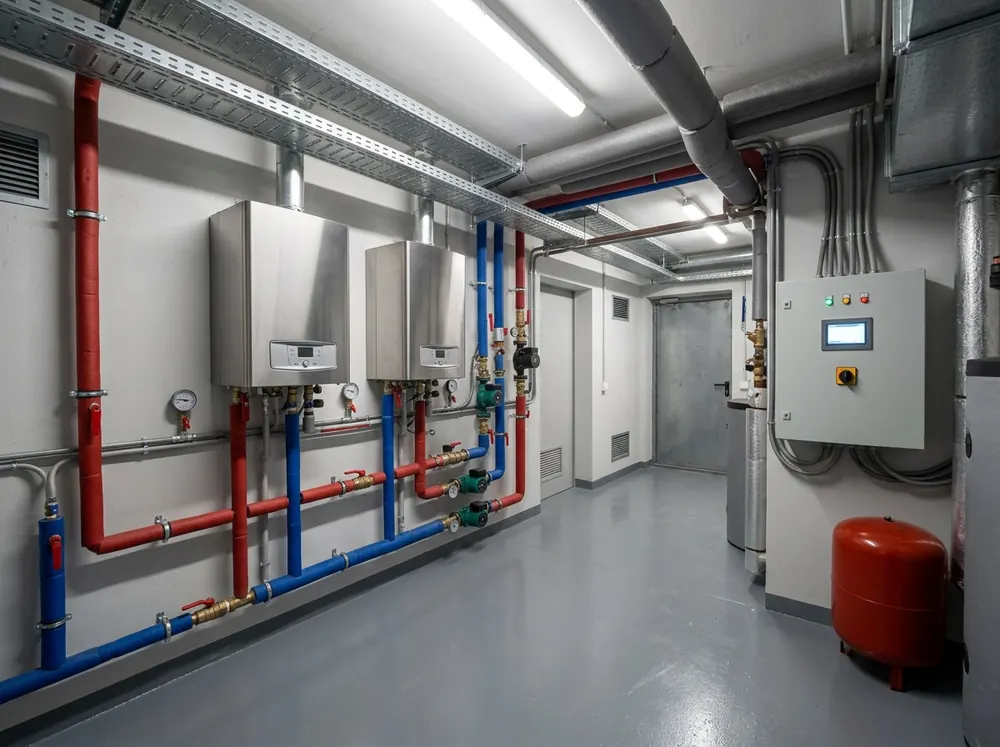
Boiler room, booster pumps, lifts
See how the building is doing without going down to the boiler room
The boiler controller (Siemens OZW672, BSB-LAN or Modbus TCP), the booster pump panel and the lift controller connect to the building network. Temperatures, pressure and the state of boilers and pumps show up in the app; on a fault, management and technical staff are notified.
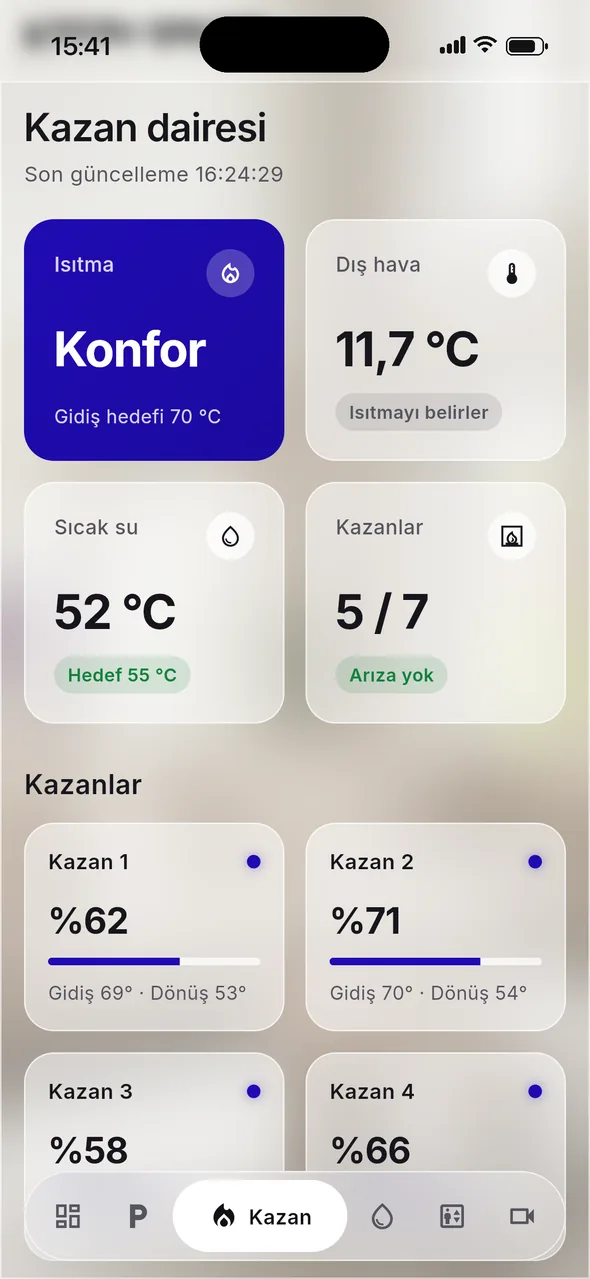
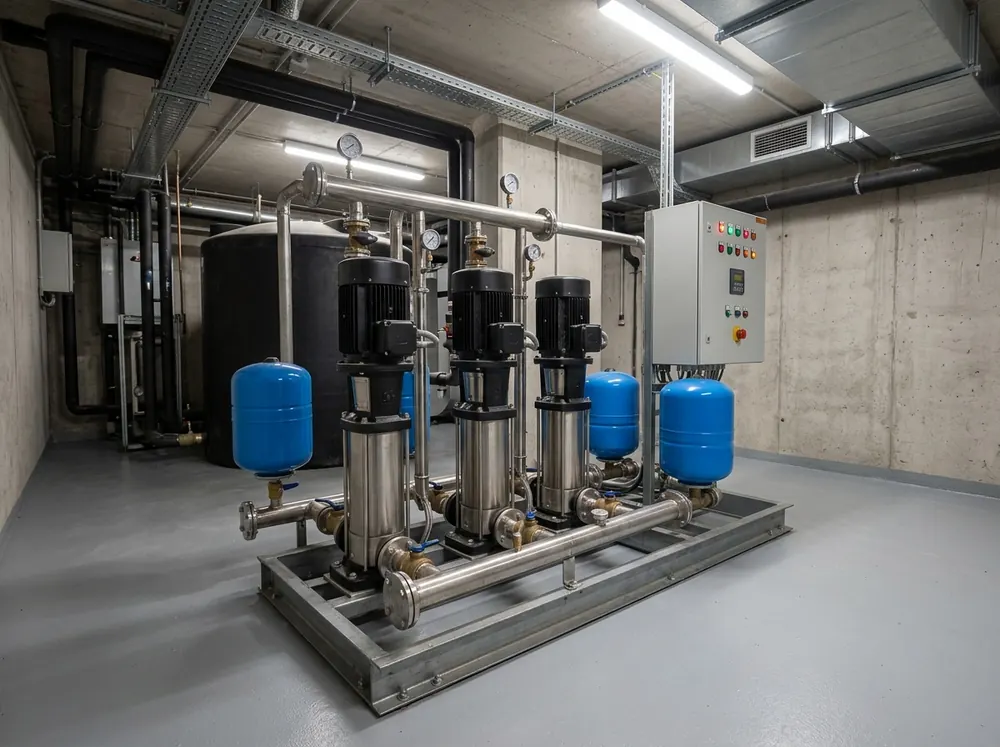
Example values from a fictional site.
For residents
Residents sort things out from their phone too
- My vehiclesAdd a vehicle with its permit; the gate recognises the plate.
- Faults and requestsOpen a request with a photo, follow it, rate it when it is solved.
- AnnouncementsImportant ones can go out by SMS as well; management sees who has read them.
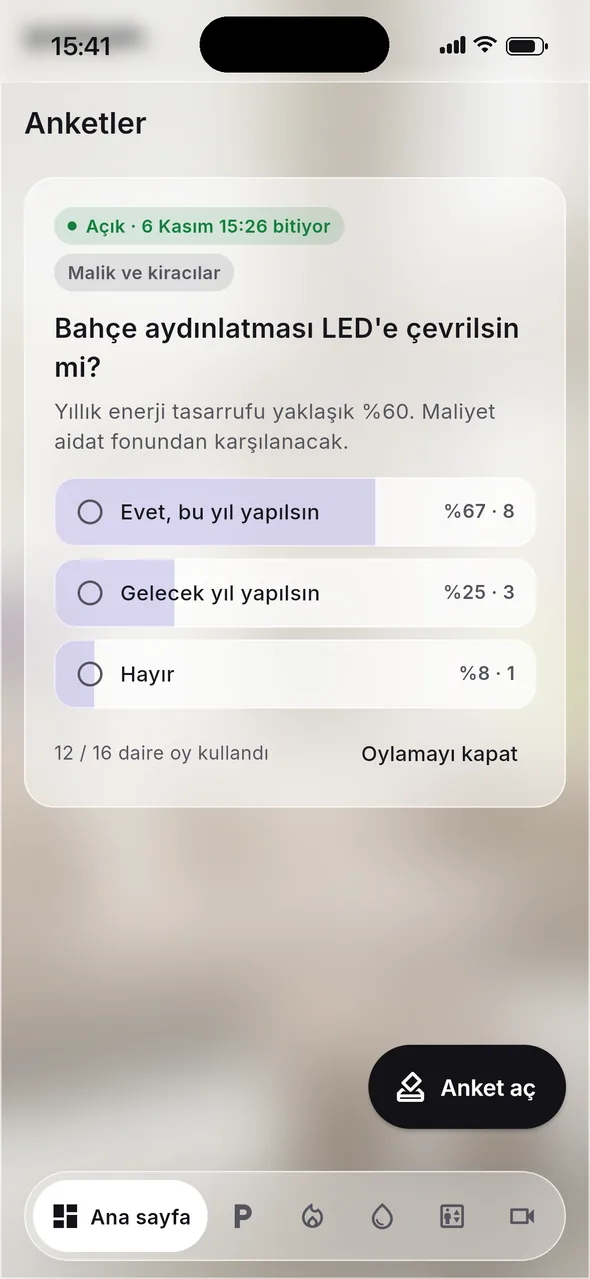
- VotesOne vote per flat; owners, tenants or both can be given the vote.
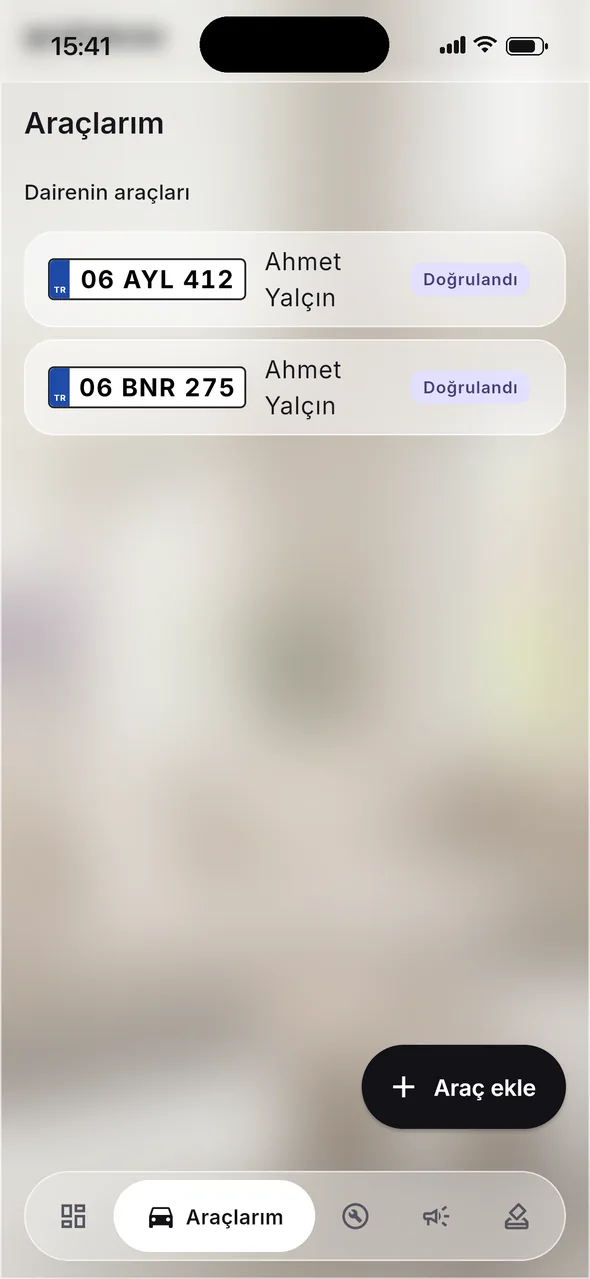
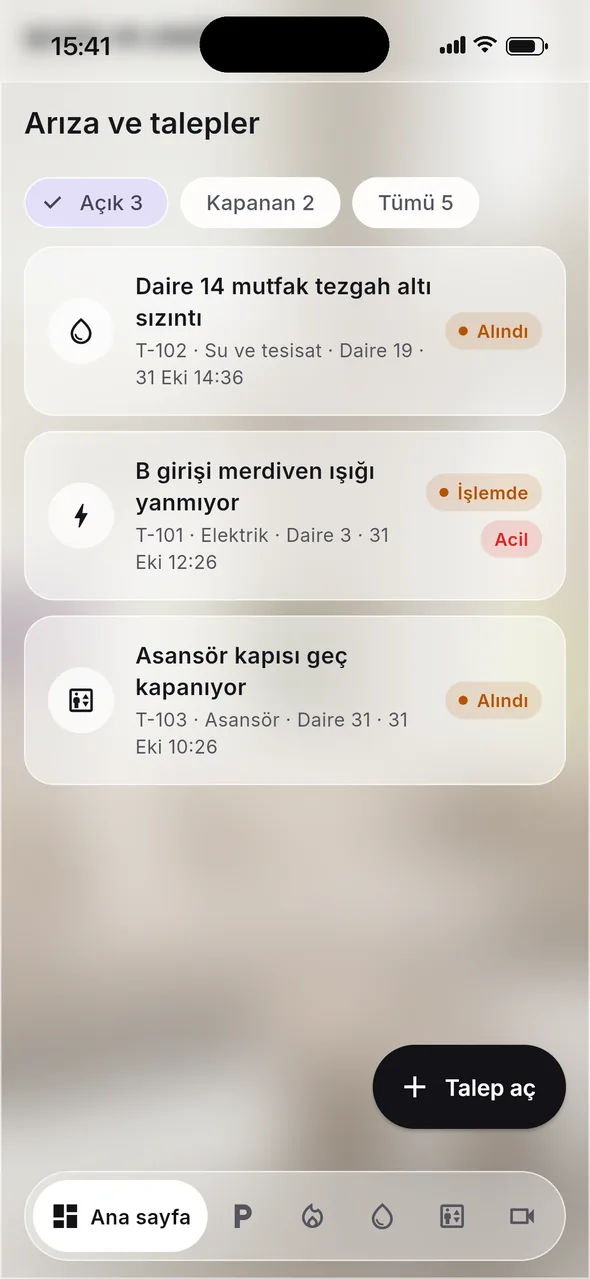
Your site, your name
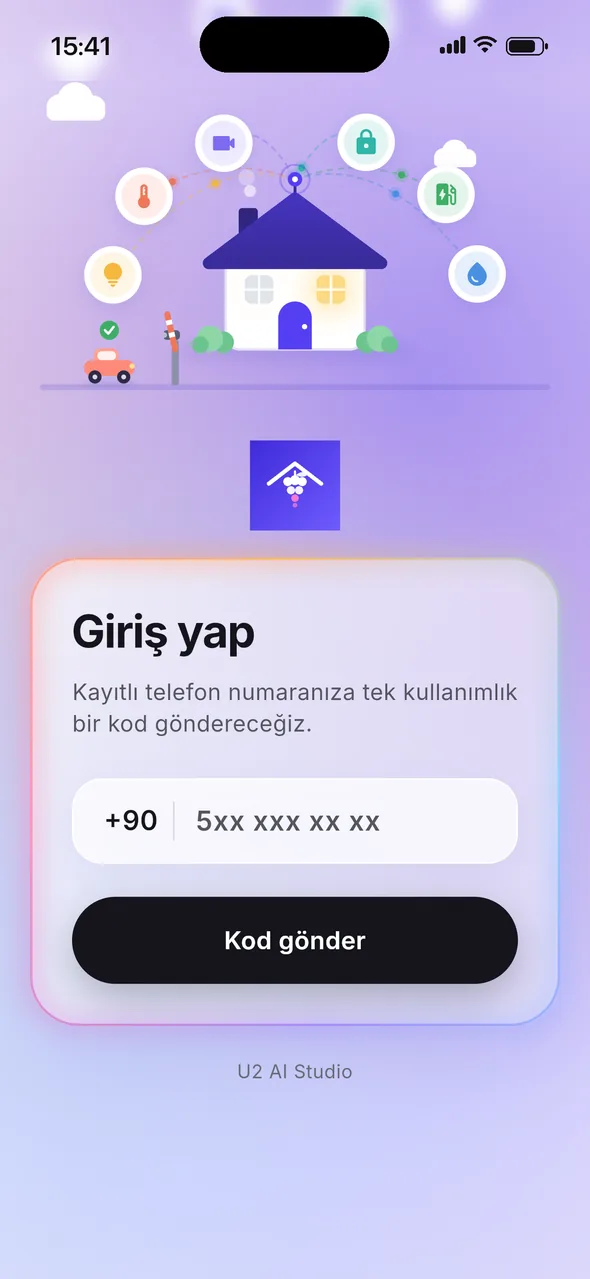
The app opens with your site's name, logo and colours
Residents sign in with a one-time SMS code. Every site gets its own login page and colours, on the phone and on the web.
The screens show a fictional site: Mor Salkım Evleri, its people, vehicles and values are made up. The app interface is in Turkish.
How it works
From setup to the first alert
- Cameras
- Boiler room
- Booster pumps
- Lifts
- 1
Your site is set up
Flats, residents and roles are defined; the app carries your site's name, logo and colours.
- 2
Devices connect
A gateway at the building links the cameras, the boiler controller, booster pumps and lifts.
- 3
Residents join
Residents sign in with an SMS code on the mobile app or the web and register their vehicles.
- 4
Every day
Security and management follow entries and alerts; residents see their own records.
Pricing
Priced per flat
Pay monthly, or yearly and get two months free. By card through Polar or by bank transfer against our invoice.
Residential site
2 USD / flat / month
Yearly: Paid monthly: 24 USD 20 USD / flat / year · two months free
- Minimum 10 flats
- Live camera view
- Entry records and unauthorised-entry alarms
- Automatic plate and permit reading
Secure card payment with Polar · e-invoice · full refund within 14 days
Prices are in US dollars and exclude taxes. Bank transfer sales are to companies; all deliveries are online. For bank transfers, the pro forma of customers in Türkiye states a fixed Turkish lira amount at the CBRT forex selling rate of the pro forma date. All U2 AI Studio products
FAQ
Questions we hear
Where is our data kept?
The app, its database and backups run on servers in Istanbul.
Do we need new cameras?
Usually not. SmartHome works with the site's camera recorder and a plate camera; a small gateway computer is installed at the building. Supported models are checked during setup.
What does the boiler room need?
The boiler controller connects over Siemens OZW672, BSB-LAN or Modbus TCP, the booster pump panel over Modbus TCP or a relay output. Lift data needs the lift company's approval. Models are checked during setup.
Does it replace our dues system?
No. Dues and accounting stay in the system you already use; SmartHome covers the gate, cameras, building systems and residents' day-to-day requests.
How is the price calculated?
2 USD per flat per month, for at least 10 flats. Paying yearly gives two months free. Prices exclude taxes.
Can we see a demo?
Yes. Write to info@u2aistudio.com and we will show it on a sample site.